Reflekt

Admin Centre - Templates

Templates  help speed up the process of building assets by automatically creating pre-defined channels for your new team as well as lists and document libraries in SharePoint specified in a template.

An user with the administrator role will need to be added in Reflekt and used when following instructions

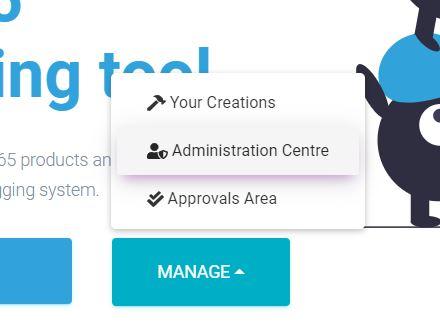
When Reflekt application has loaded click on Manage > Administration Centre on the welcome screen

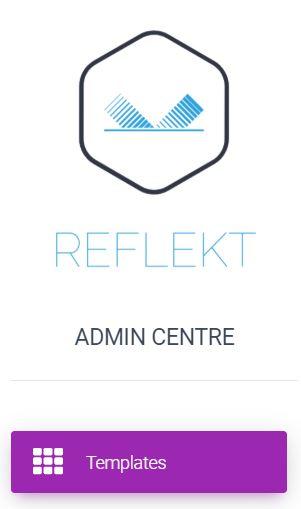
Select Templates from menu

1 – The ability to filter your templates by type and category
2 – List of templates which are active and ready to be used
3 – View properties and contents of selected template from list

Properties –  Details of the team of when the template was created and any other data which was specified when the template was created.

Contents – Details of what will be created with the template this will include the details of teams and channels created aswell as any SharePoint document libraries

Privacy Preference Center