





AI & Automation
Fix your oversharing before you roll out Microsoft 365 Copilot
Copilot doesn't create your oversharing problem. It finds it, and puts it in front of everyone.
Key takeaways
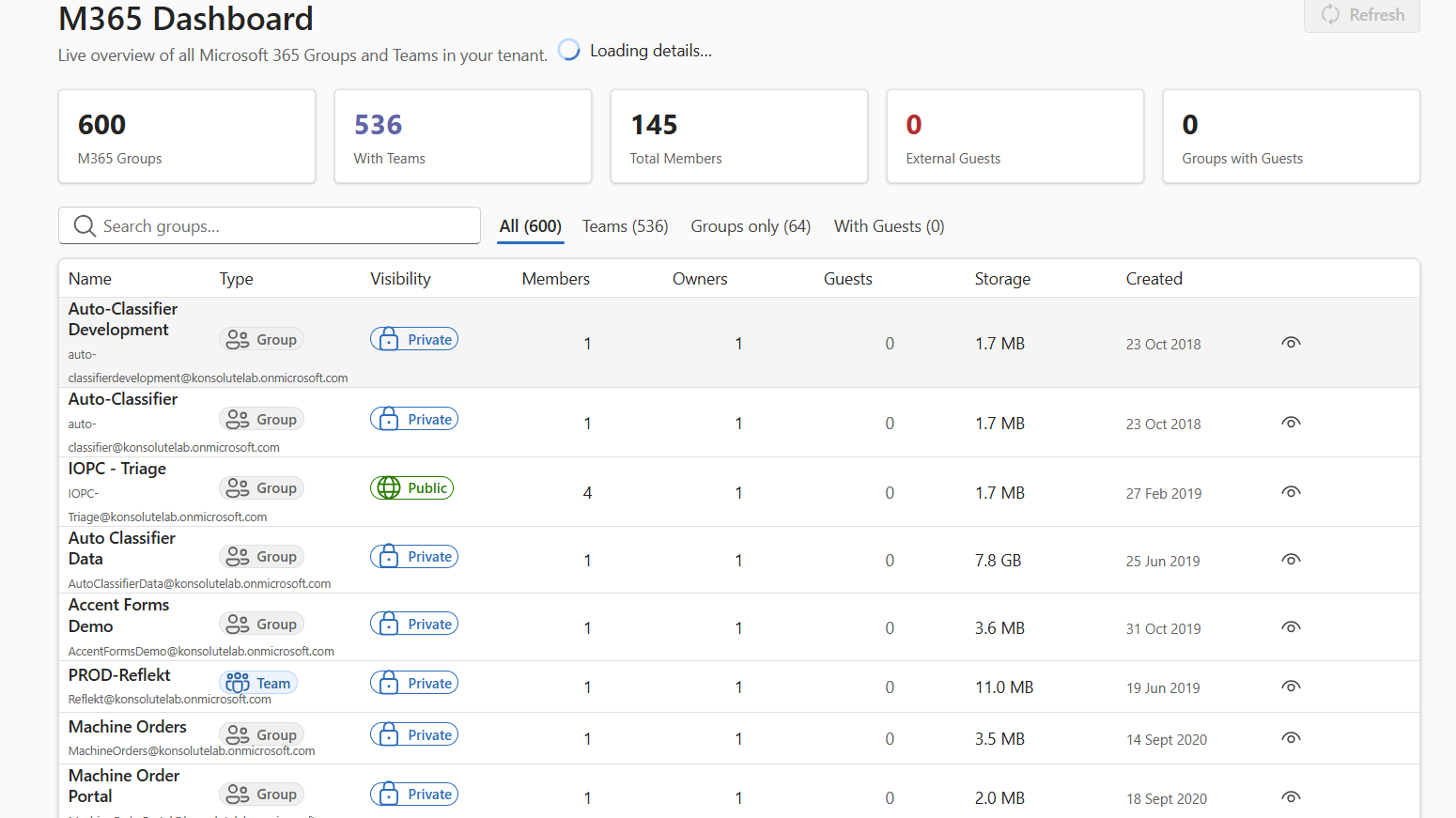
Microsoft 365 Copilot doesn’t create oversharing; it exposes it. Copilot answers from anything a user can already open, so years of loose permissions, such as “Everyone” access, organisation-wide links, public Teams and ownerless sites, surface in a single prompt.
The good news: most of the fix comes with your Copilot licence. Use SharePoint Advanced Management reports to find risky sites, Restricted Content Discovery to hide them from Copilot while you remediate, and Purview DSPM for AI to monitor ongoing exposure. Then clean up access, apply sensitivity labels and roll out in waves. Fix permissions first, and Copilot becomes safe to deploy.
For years, a forgotten HR folder shared with “Everyone” was a quiet risk. Nobody went looking, so nobody found it. Copilot looks for you. Ask it about salaries, a restructure or a disciplinary case, and it will happily summarise whatever that user can technically open.
That’s why oversharing is the number one blocker we see on Copilot projects. The good news: it’s fixable, and fixing it makes your whole tenant safer, not just Copilot.
How Copilot decides what a user can see
Copilot doesn’t have its own access model. It grounds answers in data the user already has permission to access. (Microsoft Learn)
That sounds safe, and technically it is. The problem is the gap between what people can open and what they should open. In most tenants, that gap is huge.
Before Copilot, finding an overshared file meant knowing it existed and going to look. Now one prompt is enough. Microsoft’s own Zero Trust guidance calls oversharing the single largest data security risk when deploying Copilot. (Microsoft Zero Trust workshop)
The tools you already have
If you’re buying Copilot, you’re already paying for most of the fix. SharePoint Advanced Management (SAM) comes with the Microsoft 365 Copilot licence. (Microsoft Tech Community)
| Control | What it does | When to use it |
| SAM data access governance reports | Shows sites shared with everyone, sharing links and sensitive content exposure | First, to size the problem |
| Site access reviews | Asks site owners to confirm or remove access | Once you know which sites are risky |
| Restricted Content Discovery (RCD) | Hides a whole site from Copilot, even for users who still have access | Emergency brake for high-risk sites while you fix them |
| Restricted Access Control (RAC) | Limits a site to members of a named group | Sites that must stay tightly locked |
| Purview DSPM for AI | Runs a weekly oversharing assessment on your top 100 SharePoint sites by usage | Ongoing monitoring before and after rollout |
| Sensitivity labels and DLP | Classifies content and can stop Copilot using labelled items | Long-term protection for sensitive data |
RCD is the quickest win. It blocks overshared sites from Copilot and agents straight away, giving you time to clean up properly. (Microsoft Tech Community) DSPM for AI runs its default assessment weekly with no setup. (Microsoft Learn)
A practical readiness plan
Microsoft’s oversharing blueprint splits the work into three phases: pilot, deploy and operate. (Microsoft Learn) Here’s how we run it with clients:
- Run SAM reports and the DSPM for AI assessment. List every site shared with everyone, every public Team and every ownerless site.
- Put RCD on the highest-risk sites, such as HR, finance, legal and board, so Copilot can’t surface them while you work.
- Give Copilot to a small group, ideally on low-risk sites only. Check audit logs to confirm nothing restricted shows up in answers.
- Remove broad permissions, expire old links, assign owners and run site access reviews. Archive or delete content nobody uses.
- Roll out sensitivity labels, starting with your most sensitive content. Add DLP rules for Copilot.
- Deploy in waves. Lift RCD site by site as each one is fixed. Expand Copilot licences in step.
- Make access reviews and DSPM monitoring routine. Oversharing comes back if nobody watches for it.
Steps 1 and 2 can be done in days. Don’t let a full clean-up delay a safe pilot.
If you’re in the public sector or a regulated industry
The stakes are higher, and so is the bar for evidence. Three things matter most:
- Classification first. Map your sensitivity labels to your existing classification scheme, such as OFFICIAL and OFFICIAL-SENSITIVE, before Copilot touches the data.
- Need-to-know, not need-to-find. Security-cleared and commercially sensitive content should sit in tightly scoped sites with RAC, not in general collaboration spaces.
- Provable controls. Your auditors and regulators will want to see what Copilot could access, when, and why. Keep the assessment reports, access review records and audit logs.
Our team holds SC and DV clearance and works with nuclear, energy and public sector clients. We build readiness plans that stand up to inspection, not just a pilot.
Questions
No. Copilot only uses content the user can already access. The risk is that users can access far more than they should.
The enterprise add-on lists at $30 per user per month on an annual commitment, on top of a qualifying Microsoft 365 licence. Copilot Business, for organisations under 300 seats, is cheaper. (Coworker.ai) UK prices vary by plan and promotion, so check your admin centre at quote time.
Usually not. SharePoint Advanced Management is included with the Copilot licence. Some Purview features need E5 or an add-on.
Yes. Restricted Content Discovery hides a site from Copilot without changing who can open it.
Assessment and containment take days. Full remediation depends on tenant size and how messy permissions are, so plan in weeks or months, and run a safe pilot in the meantime.
Related Insights
Nothing found.